Reading and writing positions
Coordinates, algebraic notation, FEN and diagrams: the four ways a position gets from one board to another without a single piece being moved by hand.
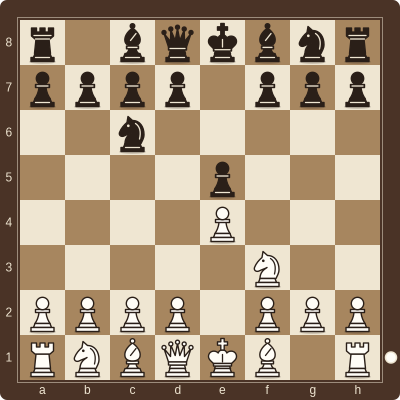
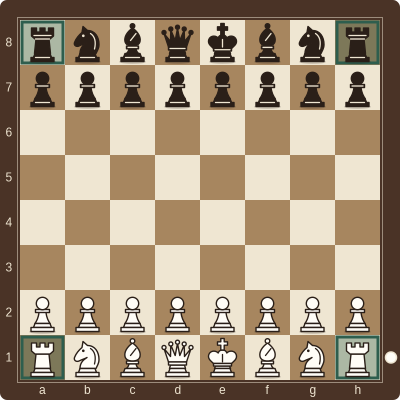
How to name any square on a chess board at a glance
Learn files and ranks, read square names from either side of the board, work out a square's color in your head and practice with short drills.
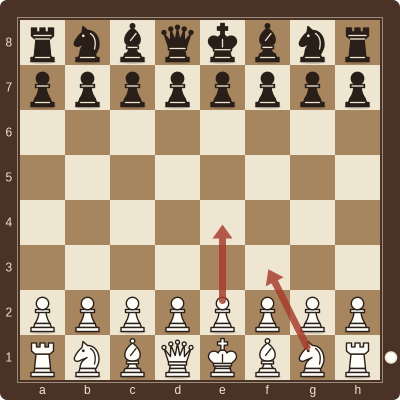
How to write chess moves so you can replay them later
Learn piece letters, pawn moves, captures, check, mate, move numbers and result marks, then follow a short opening written in algebraic notation.
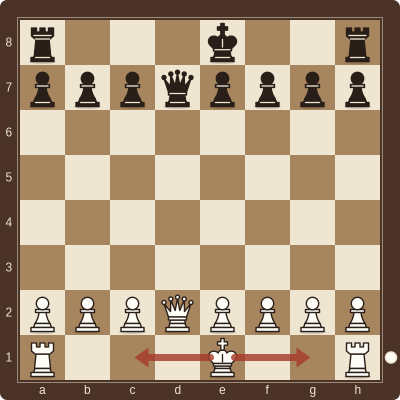
How to write castling, en passant and pawn promotion
Write O-O and O-O-O, check when castling is legal, record an en passant capture on the right square and note promotions, including underpromotion.
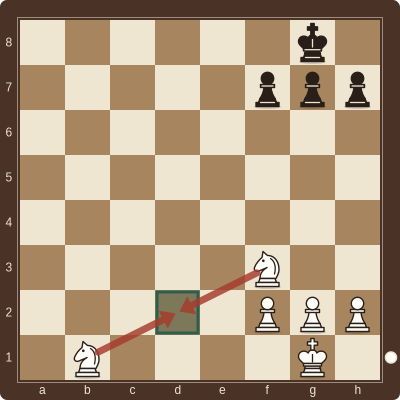
How to write a move when two pieces can reach one square
Add a file letter, a rank number or both when like pieces can reach the same square, and see why a pinned piece can change what you need to write.
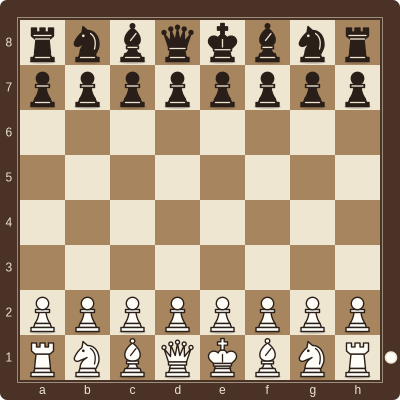
Reading a FEN string, one field at a time
FEN describes one chess position in a line of text. Learn what each of its six fields records, then read a complete example from start to finish.
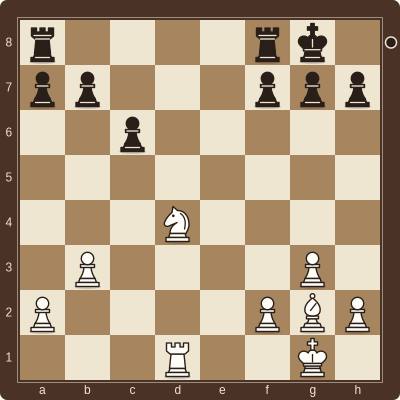
Turn a position on the board into FEN, rank by rank
Build a FEN by hand: start at rank 8, read from the a-file, count empty squares, join the ranks with slashes and fill in the last five fields.
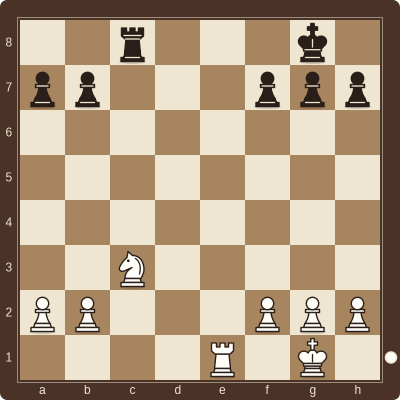
Why your FEN will not load, and how to repair it
Find the broken part of a rejected FEN: rank totals, rank count, missing fields and impossible positions such as extra kings or the wrong check.
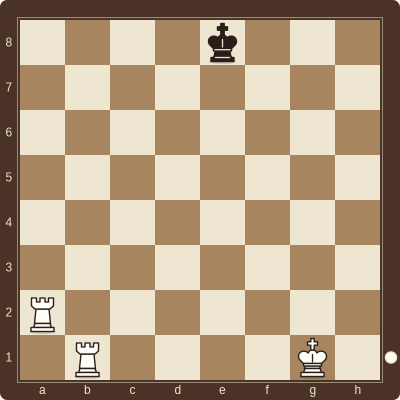
Should you save a position as FEN or a game as PGN?
FEN keeps one position and PGN keeps a game record. See what each can and cannot store, how the SetUp and FEN tags link them and which to keep.
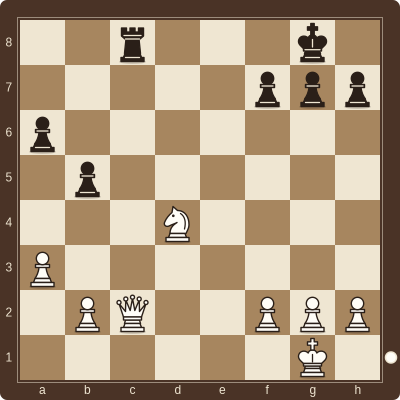
Copy a printed chess diagram without mirroring it
Find which side is at the bottom, read the coordinates and the side to move, set the pieces up in a safe order and confirm them with a count.